Inhaltsverzeichnis
Introduction
Login
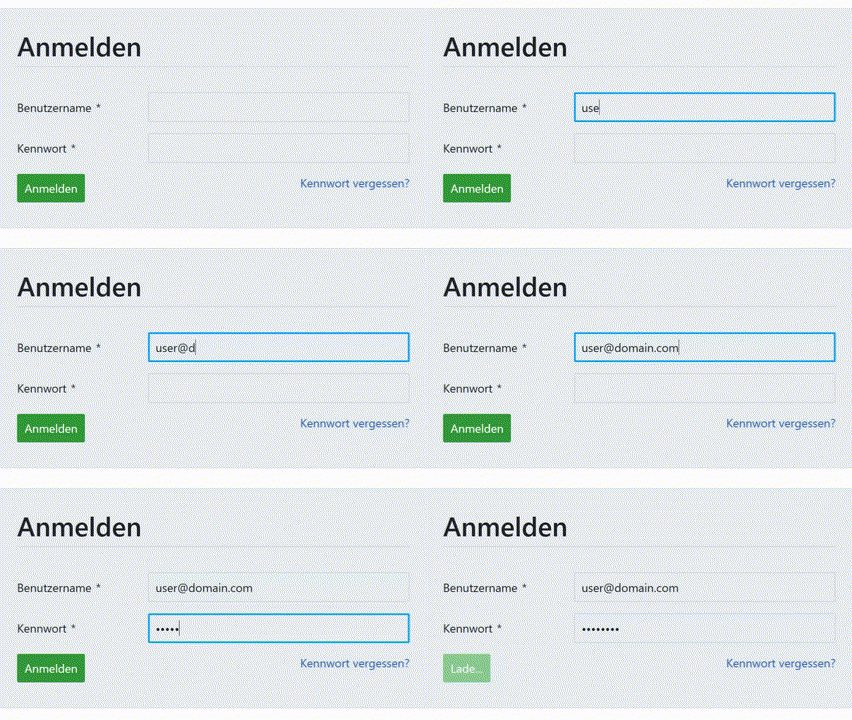
Enter your registered email address and password in the appropriate fields. Then click "Login" or press the Enter key. With correct login details, you will automatically be redirected to the home screen.
Forgot password?
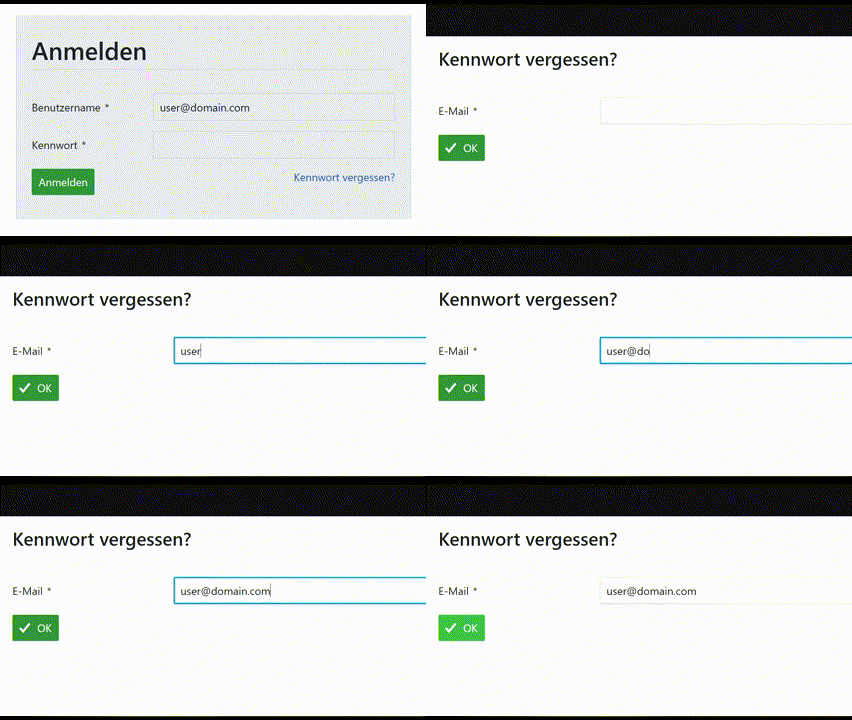
Click on the link "Forgot password?". Then enter your registered email address. You will receive an email with a link to reset your password.
Updated on 29.09.25
Authentication & Security
Change Password
Navigate to the "Change Password" module. Enter your current password in the first field. Then enter the new password in the following two fields to confirm the entry. Click "Save" to complete the change.
Two-Factor Authentication
To activate two-factor authentication, navigate to the "Two-Factor Authentication" section in the "My Account" module. Click on "+2FA Device" there. Then scan the displayed QR code with your authenticator app. Enter the six-digit code generated by the app to confirm. After successful activation, two-factor authentication will be required in addition to entering your password during each login process.
Updated on 29.09.25
Access
Browser Access
Access to the CDE (KoMo W26) for all users is optimized for the following browsers: Google Chrome, Mozilla Firefox, Microsoft Edge, Apple Safari.
End Device Access
Access for CDE users (KoMo W26) is optimized for the following end devices: Windows 10/11 desktop PCs, MacOS computers, IOS smartphones, and Android smartphones.
Blockchain
The Blockchain is a modern storage system that ensures that all your data is immutable and tamper-proof. This protection is guaranteed by a special algorithm that uniquely links all data together. This creates an audit-proof and traceable chain of data states. You can see the current status of the Blockchain at any time in the lower right corner of your screen.
Updated on 29.09.25